Every Saturday, 1:30 – 2:30 PM Eastern Time
From Oct 10 · 11 class dates
- Oct 2026
- Nov
- Dec
The STEMRise 3D Modeling & Printing program combines small-group, project-based learning with step-by-step teacher guidance. Beginners learn to create models in Blender, then print their designs as real objects to take home.
At a glance
10
sessions
60
minutes per session
$9.90
one trial class
Oct 10
next class
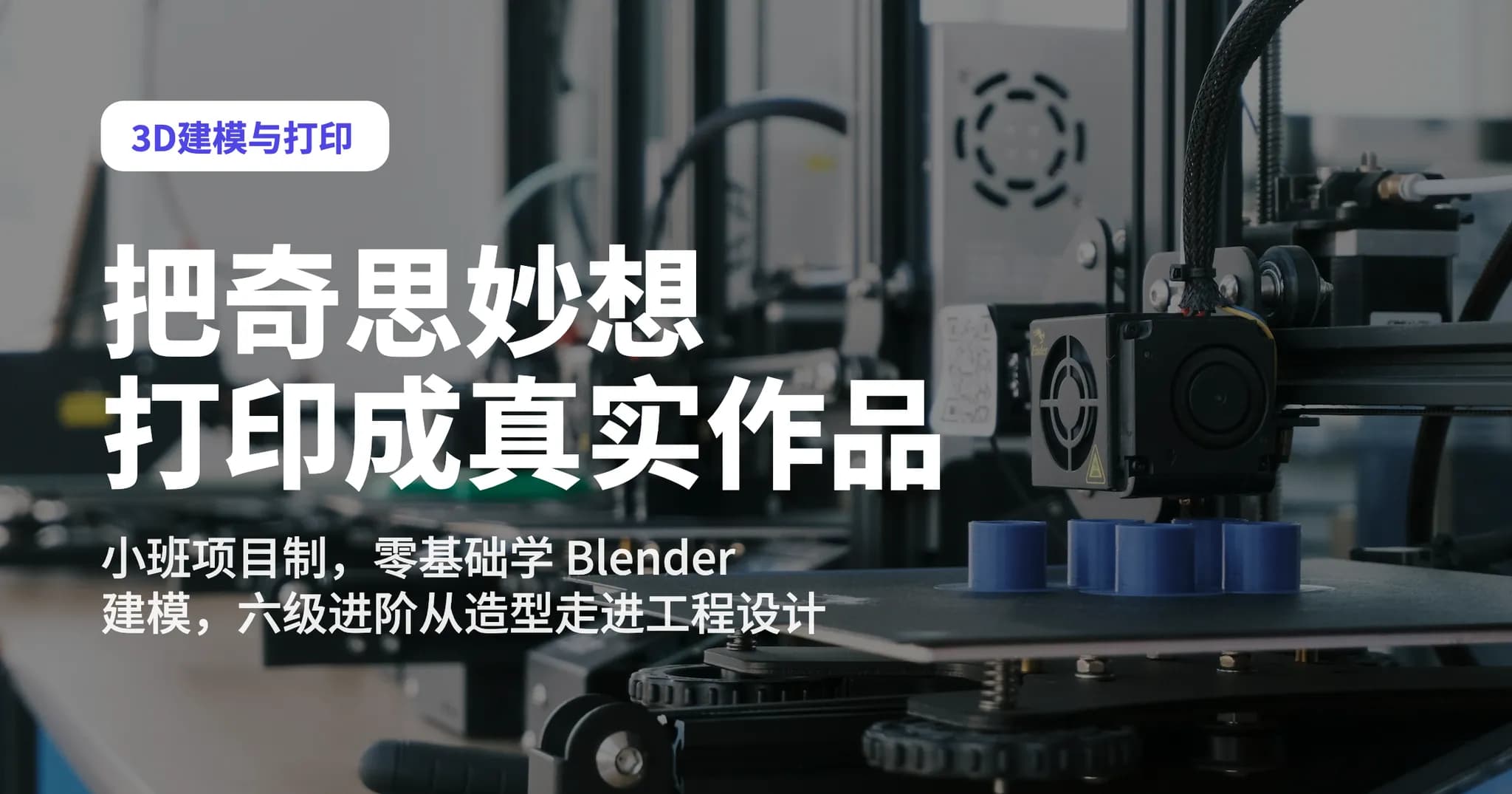
Your child loves drawing, building with blocks, making crafts, designing characters, and dreaming up imaginative ideas—but many of those ideas never make it beyond their imagination.
In STEMRise’s 3D Modeling and Printing course, children bring those ideas to life by designing them, building them as 3D models, and printing them as creations they can hold in their hands.
From imagining an idea, to building it on a computer, to holding the finished product they designed themselves—this complete creative journey is at the heart of the course.
This is a small-group, project-based course. The instructor will guide each child step by step through the fundamentals of 3D modeling, including view controls, moving, scaling, rotating, combining, cutting, shaping, and basic structural design. Once students are comfortable with the tools, the instructor will introduce different creative themes and encourage them to explore, design, and complete original 3D projects of their own.
We print every project that students design and complete, so they can take their creations home.
3D modeling software may look complex, but no previous experience is required.
The instructor introduces each tool one step at a time and offers timely, individualized support based on how each child is progressing. Students build confidence first, then gradually take on more challenging designs.
We do not expect every child to produce an identical model. Each stage introduces a new theme, such as:
The instructor teaches the tools and design methods; each child decides what their creation will become.
A model on the screen is only the beginning. Students also learn to ask: Can this model be printed? Is the structure stable? Are the dimensions practical? What needs to be adjusted?
After modeling, checking, slicing, and printing, students receive a physical creation they designed themselves. The feeling of “I really made this” is one of the most rewarding parts of 3D design.
As students develop their skills, they progress to movable structures, parametric design, functional prototypes, mechanical devices, and independent projects—moving from simple shapes into authentic engineering design.
| Level | Theme | What students learn |
|---|---|---|
| Level 1 | Introduction to 3D modeling | Learn the essential tools and create a first collection of printable projects. |
| Level 2 | Design project studio | Progress from individual models to complete projects while learning how to separate, assemble, and build simple movable parts. |
| Level 3 | Surfaces and creative modeling | Explore digital sculpting, surface design, parametric modeling, and multicolor 3D printing. |
| Level 4 | Functional prototyping | Move from designing objects that look good to creating ones that work well through measurement, tolerances, structural design, and repeated testing. |
| Level 5 | Dynamic mechanical design | Study gears, linkages, cams, and other mechanical structures to design 3D creations that truly move. |
| Level 6 | Independent projects and portfolio | Choose an original topic, complete a full design project with guidance from a mentor, and organize the design process and finished work into a portfolio. |
Children who enjoy LEGO, Minecraft, Roblox, models, drawing, mechanics, or crafts can use 3D modeling to turn their interests into meaningful design and engineering skills.
They move from playing with things designed by others to designing things themselves—from a single idea to a creation they can truly hold in their hands.
Many children have vivid imaginations. 3D modeling helps them take the next step: not simply “I want to make this,” but “I actually made it.”
Modeling naturally brings together geometry, proportions, coordinates, structures, physics, and engineering, creating a strong foundation for future studies in mathematics, physics, Engineering, Architecture, Game Design, and Robotics.
A failed print, parts that do not fit, or an unstable structure can become a valuable learning opportunity. Students become comfortable with the process of finding a problem → revising the design → printing again → testing and improving. That is engineering thinking in action.
STEMRise 睿思教育: Turning interests into strengths for the future.
This course is built for K-12 students who like making things, whether or not they have touched design software before.
Pick a time. You choose the exact date in the next step.
From Oct 10 · 11 class dates
Free assessment + trial — we'll map the coding / math / OSSD path that fits.